
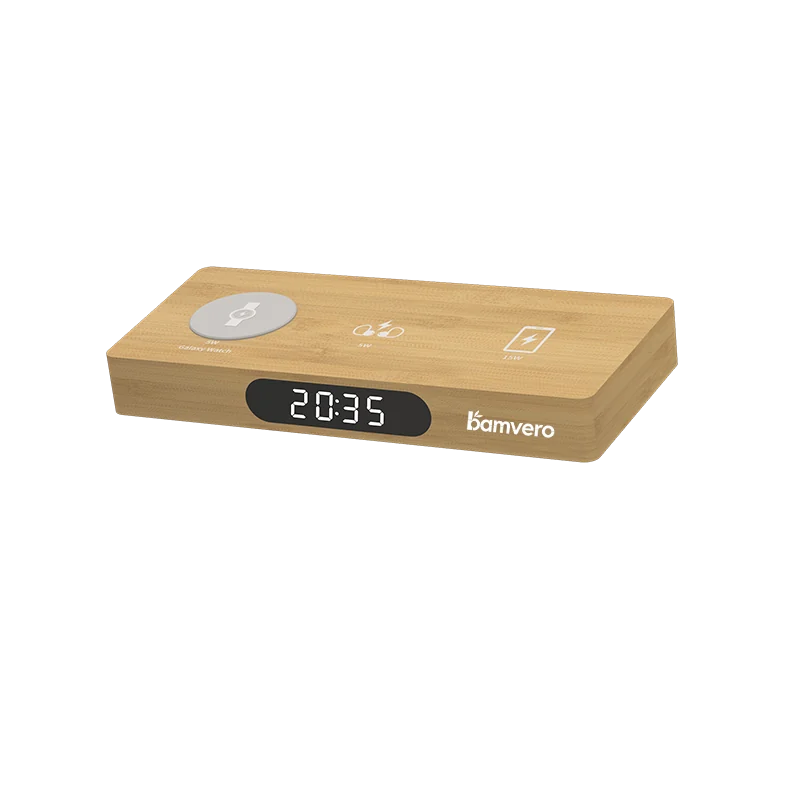
Charging clocks and stations
Compare single-device, multi-device and storage-led formats.
Hospitality, office and gift sourcing
Share the room, workspace, gift programme or retail setting, along with market and quantity. The response will focus on products that have a clear role in that setting.
Product categories
You do not need to request everything. One or two relevant categories produce a more useful model shortlist.
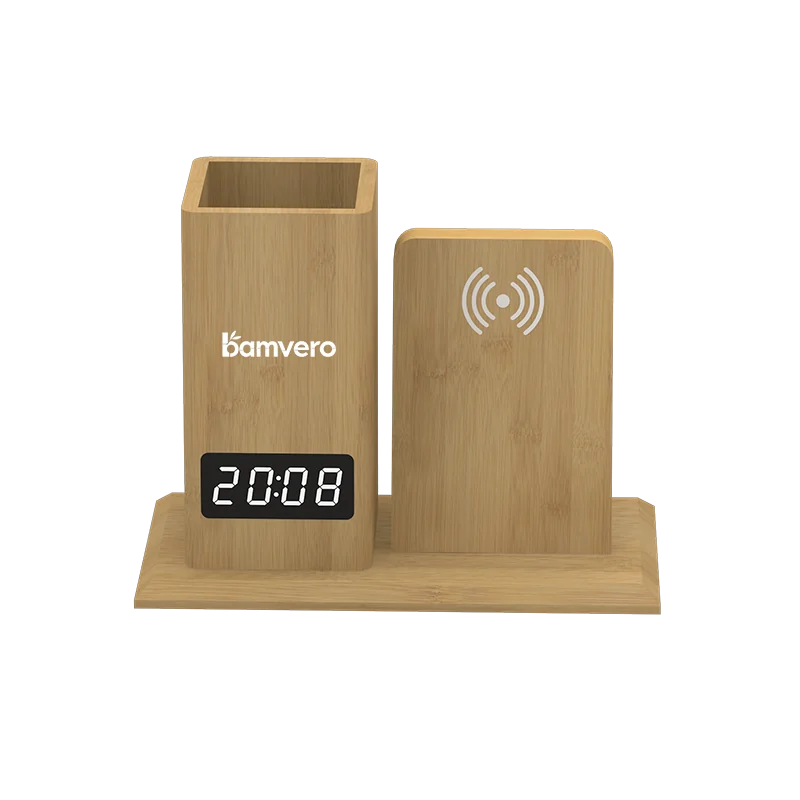
Compare single-device, multi-device and storage-led formats.
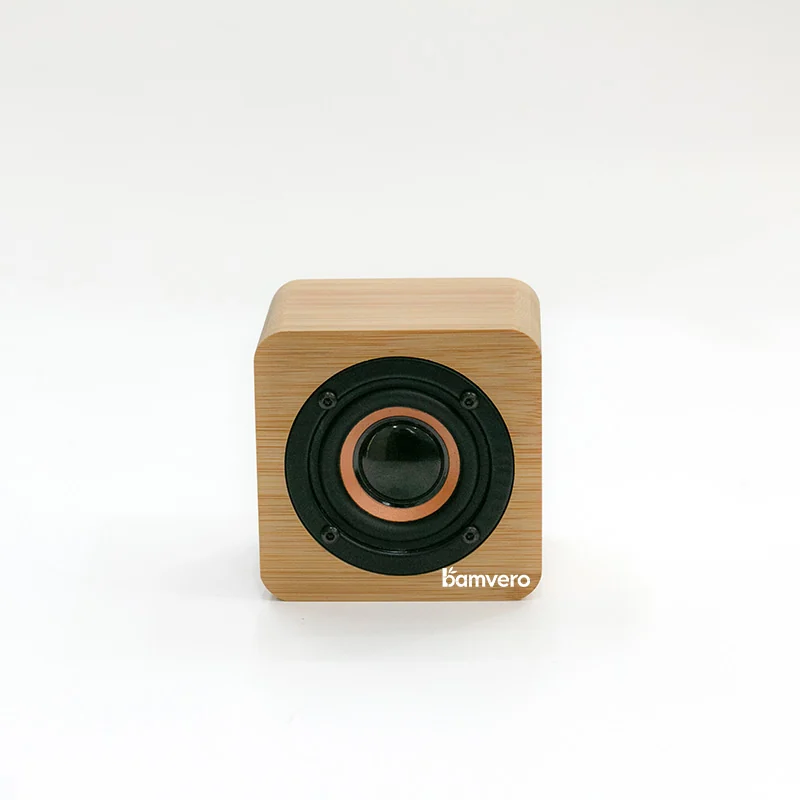
Separate Bluetooth audio, clock display and charging roles.
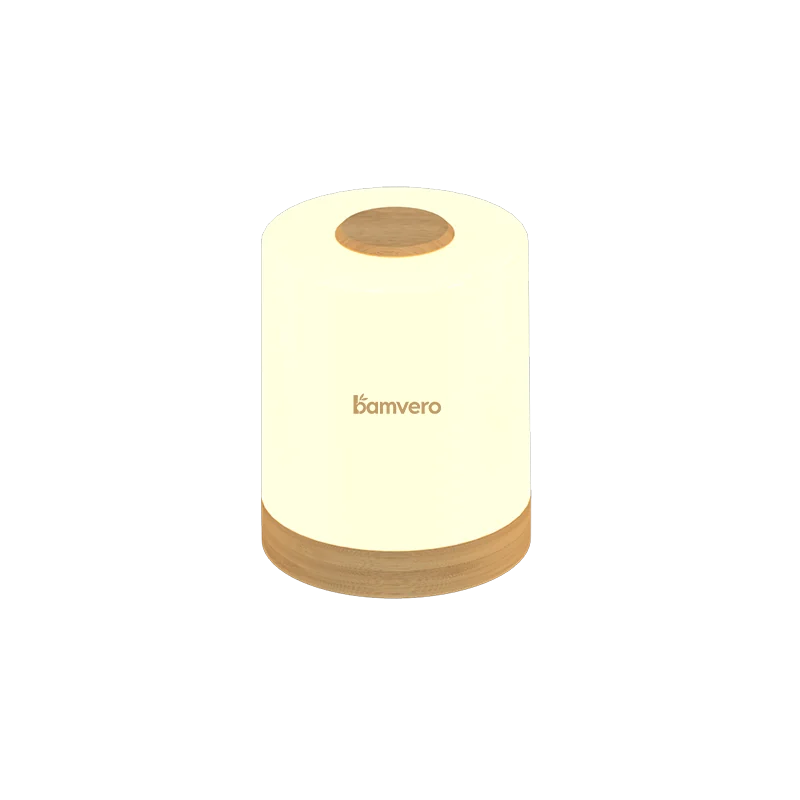
Review lighting roles for bedside, desk and retail presentation.
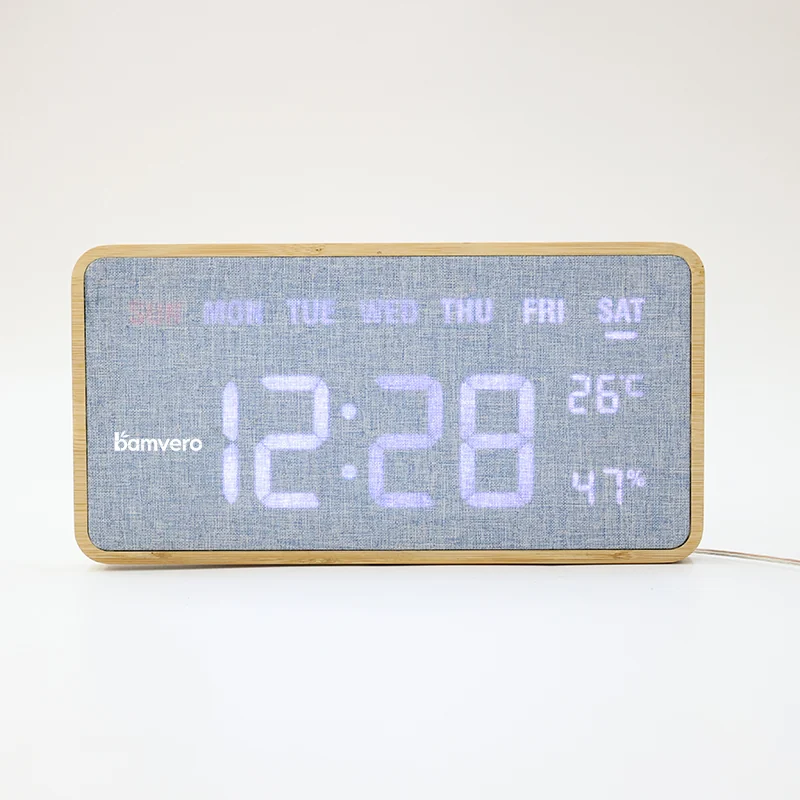
Compare display type, placement and control requirements.
What you receive
Current public models are filtered by category, use case and required functions.
MOQ, accessories, documents and packaging questions are separated before quotation.
Move to sample, branding, packaging and schedule review only when the shortlist is useful.
This is not an automated historic price-list download. A current response avoids presenting old availability, price or MOQ information as if it still applies.
Buyer questions
No. It focuses on current directions relevant to your channel or setting. Availability is confirmed when the request is reviewed.
MOQ and pricing depend on the selected model, quantity, branding, packaging and destination. Those details are confirmed after review.
Yes. A defined channel or setting normally produces a clearer and more useful selection.
Catalogue request
Share the market, use case and realistic quantity range. If an item is undecided, write “to be confirmed”.