
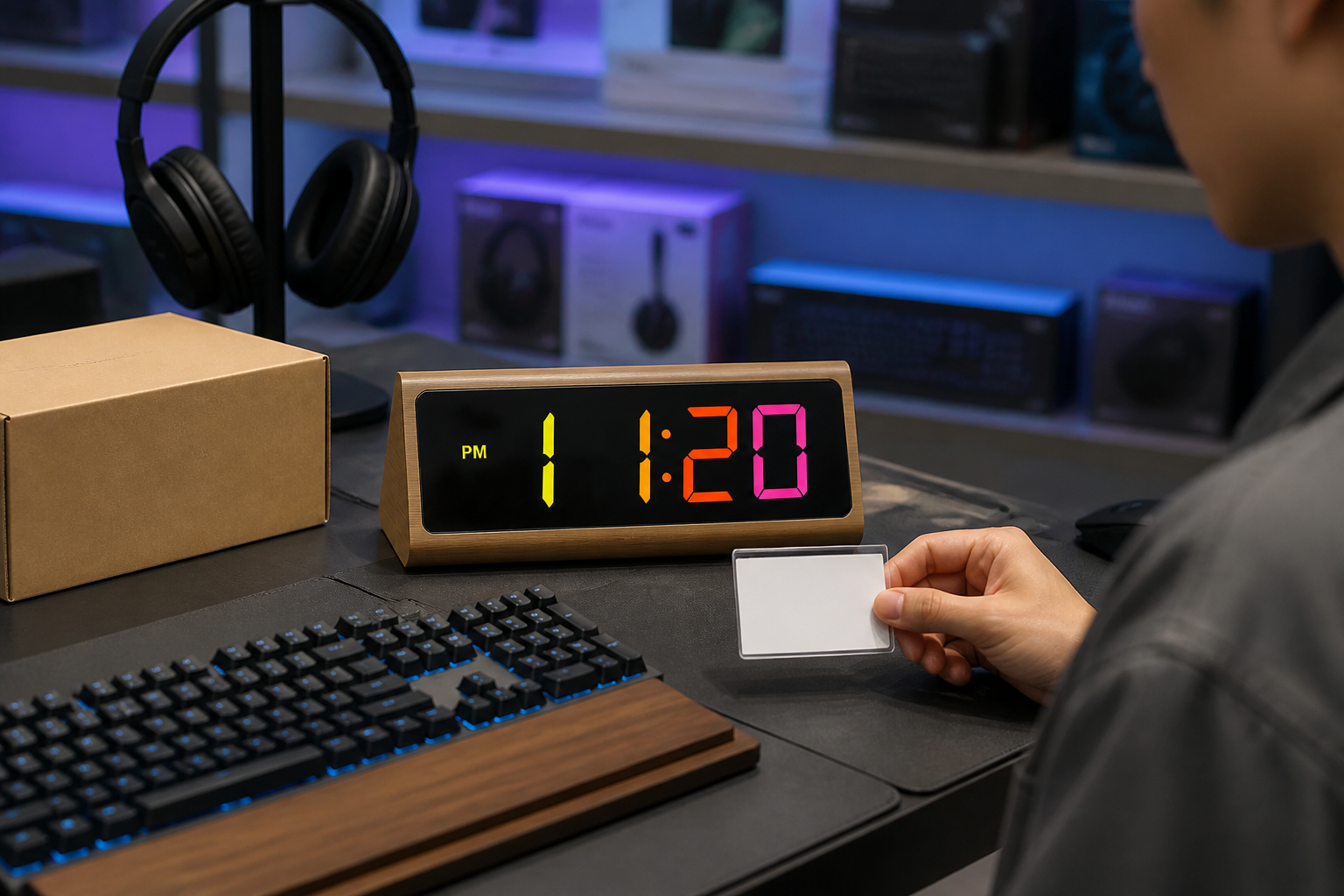
Build a credible 2109 gaming or study-desk display around the exact RGB or warm-orange configuration, mirror panel, controls, Type-C power and package.
Give the 2109 a Clear Retail Role
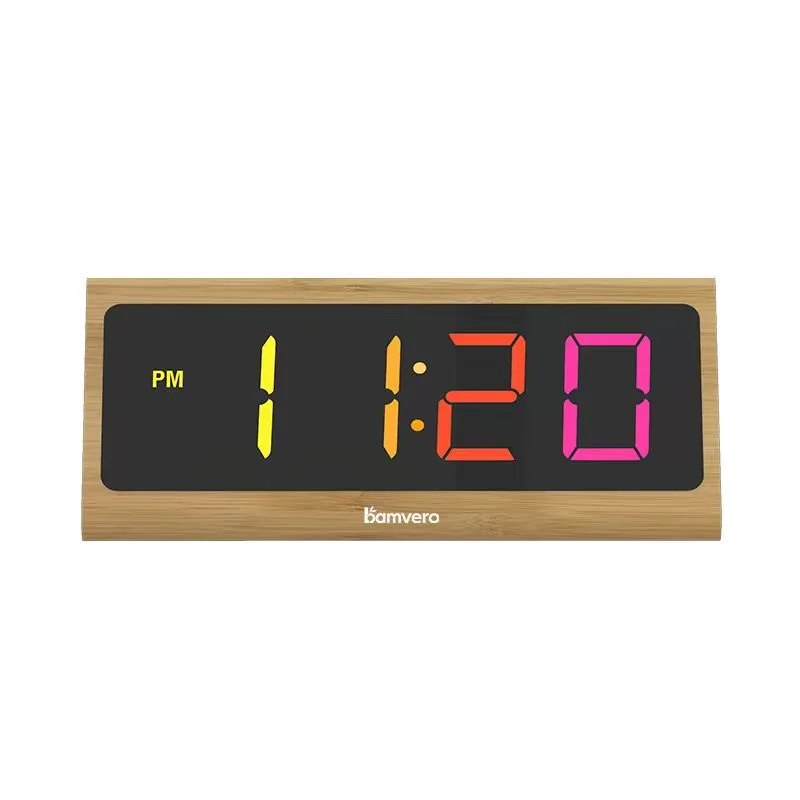
An RGB bamboo clock for a gaming desk should be presented as a clock first, with color and shape supporting the display story. The 2109 combines a long triangular bamboo housing, a mirror-finish front panel and a multi-color RGB or warm orange LED time display for electronics, gift and desk-accessory programs.
Use the 2109 triangular bamboo RGB LED clock as the exact reference. Keep the 180 × 84 × 75 mm size, Type-C power input, rear controls, alarm switch and approved display configuration tied to the same retail sample.
Separate RGB and Warm Orange Configurations
The product page identifies multi-color RGB or warm orange LED display options. Treat them as named configurations in the quotation, image set and carton label so buyers know which display they are approving.
Do not mix an RGB sample with warm-orange product photography on one listing. If a retailer wants both, assign a distinct SKU or variant name and record the quantity, packaging mark and sample image for each configuration.
Test the Mirror Screen Under Real Lighting
The dark mirror-finish front can look clean in a studio while reflecting shelves, windows or spotlights in a store. Place the sample at the proposed shelf height and check the time display from the aisle, seated desk position and side viewing angle.
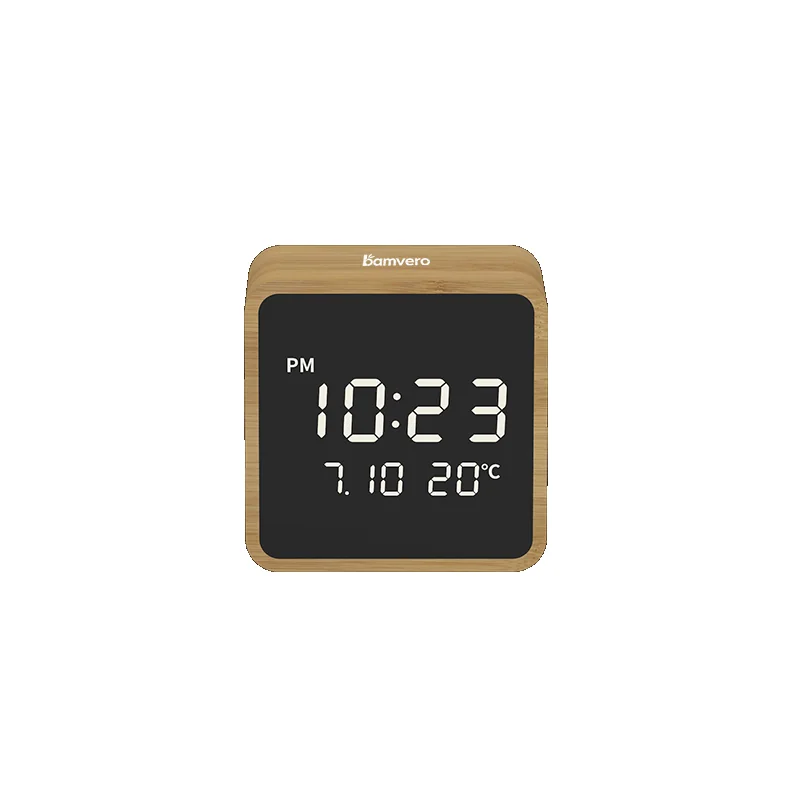
For another mirror-led format, compare the 2101 compact bamboo mirror LED clock by actual screen size and placement. Avoid promising the same readability across different front panels without testing them under the same light.
Build a Credible Gaming or Study Scene
Use a keyboard, headphones or notebook to establish the shopper context, but keep the clock visible and correctly scaled. The scene should not add speakers, phone charging or app control that the 2109 specification does not support.
A restrained gaming desk can show the RGB display without turning the image into a synthetic neon render. Include at least one neutral daylight image so retailers can judge the bamboo housing and mirror panel as well as the colored digits.
Check Controls and Alarm Setup
The product page lists rear ALARM, ENTER and TIME buttons, an alarm switch and an adjustment wheel. Ask a new user to set the time, adjust the alarm and return the sample to its standard demonstration state.
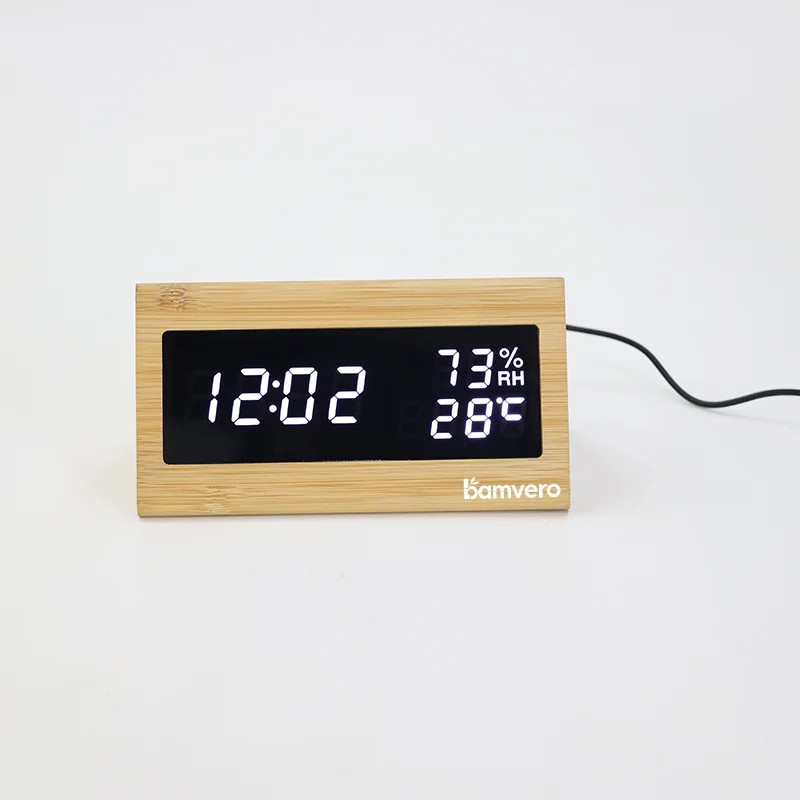
Keep the quick-start card close to the hardware wording. A triangular model such as the 1502 bamboo LED clock may look related but can require a different control sequence, so instructions should never be shared by appearance alone.
Describe Type-C Power Accurately
Type-C is the power input for the clock. Unless another output function is specifically verified, neither the shelf card nor the sales staff should describe the product as a phone charger.
Confirm the cable and adapter arrangement for the destination market, then match the package contents, manual and online listing. Accurate power wording helps electronics retailers answer a common question before it becomes a return.
Plan Branding Around the Display
The 2109 supports laser engraving, silk-screen logo, custom packaging and manuals. Approve the logo method on a physical bamboo surface and check its contrast when the display is on and off.
Keep branding away from the mirror window and control labels. A logo used for a gaming promotion may be more visible than a lifestyle-retail mark, but both need an approved size, location and color reference connected to the production artwork.
Align Packaging With the Shelf Story
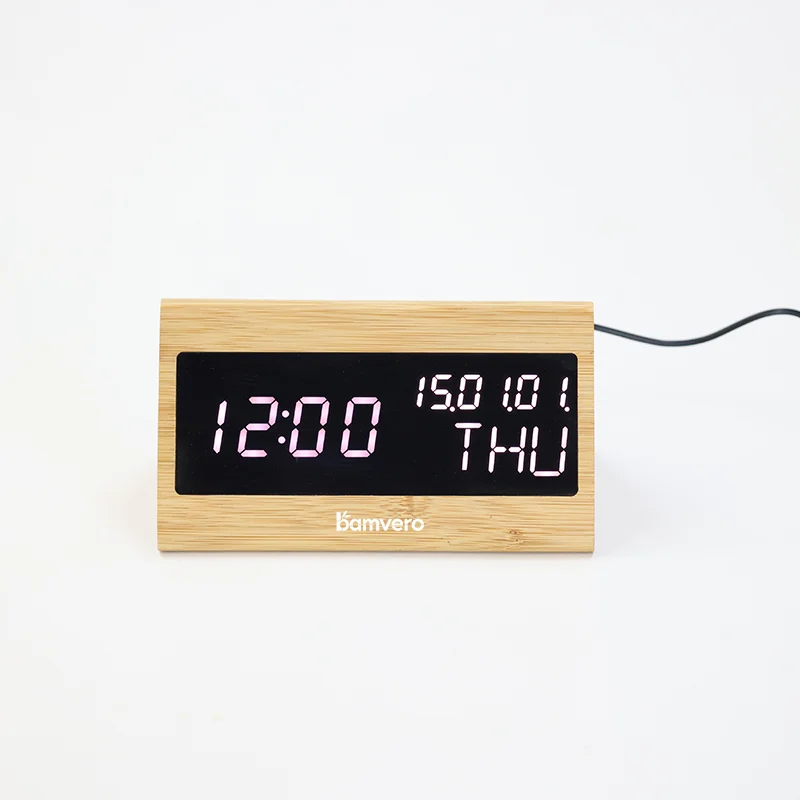
The carton should name the correct display configuration, protect the long mirror panel and prevent the Type-C cable from rubbing against the product. Test the insert with the complete retail pack rather than only checking exterior artwork.
Use model-specific images on the shelf card and package. The 1609 triangular bamboo LED desk clock can support a broader triangular-clock comparison, but it should remain a separate product with its own functions and controls.
Pilot the Display Before a Wider Rollout
Run a small store or campaign test and track which color configuration attracts attention, whether shoppers can read the display under store lighting, what they ask about power and how often staff reset the alarm or time.
Include the market, channel, store count, display configuration, quantity, branding method, package language and launch date in the inquiry. These details turn a generic RGB clock request into a retail program that can be sampled and measured.
Planning a 2109 gaming-desk retail display?
Share the market, store type, display configuration, quantity, branding method, packaging language and launch date.
Request a 2109 retail plan