
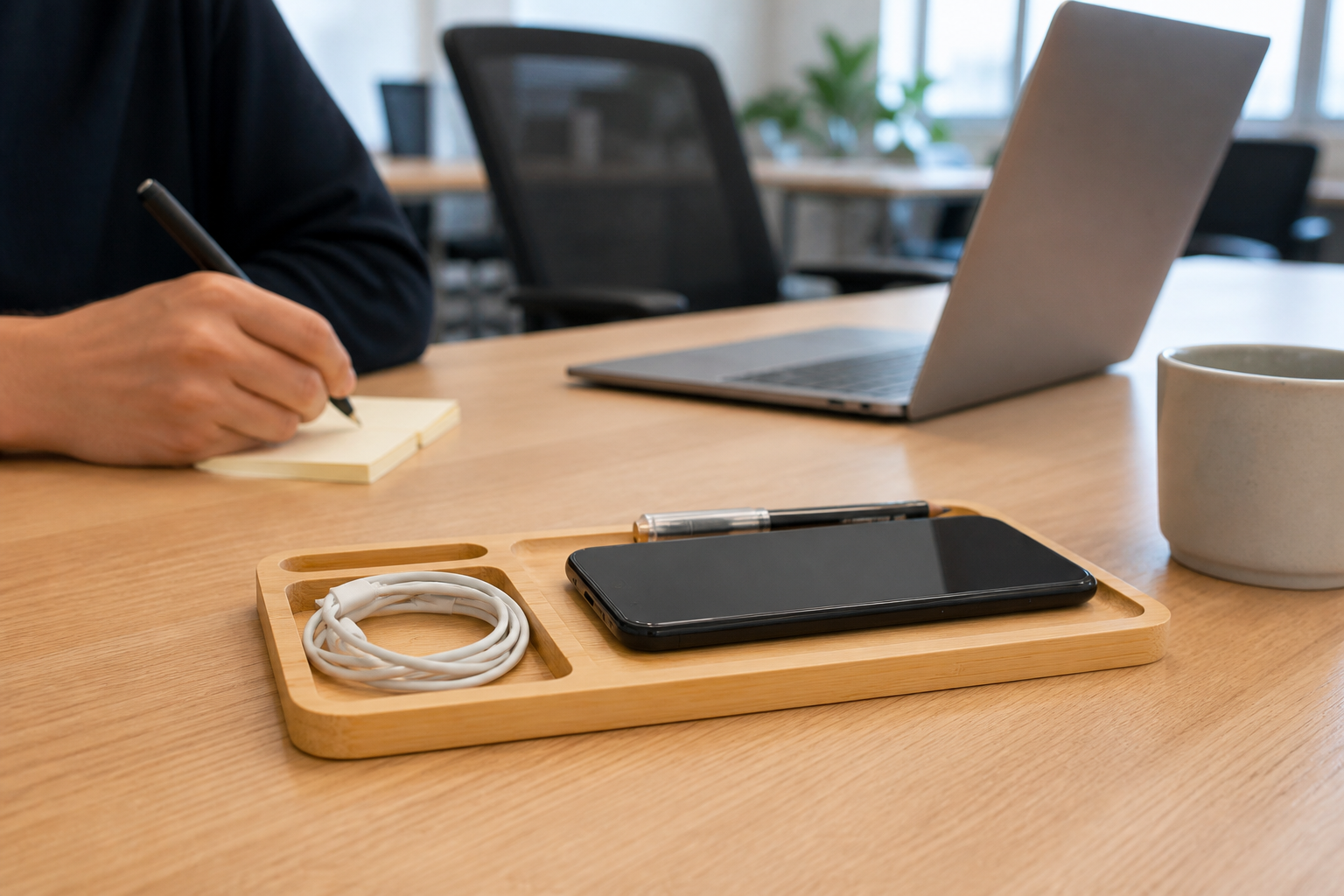
Pilot the W119 around real phone placement, compartment use, power access, shared-desk reset, cleaning, branding and multi-site rollout.
Start With the Shared Desk Workflow
A W119 wireless charging desk organizer for shared workspaces should solve a repeatable desk routine, not simply add another object to the table. Observe what users place down when they arrive, which devices stay beside the laptop and what facilities staff must reset between bookings.
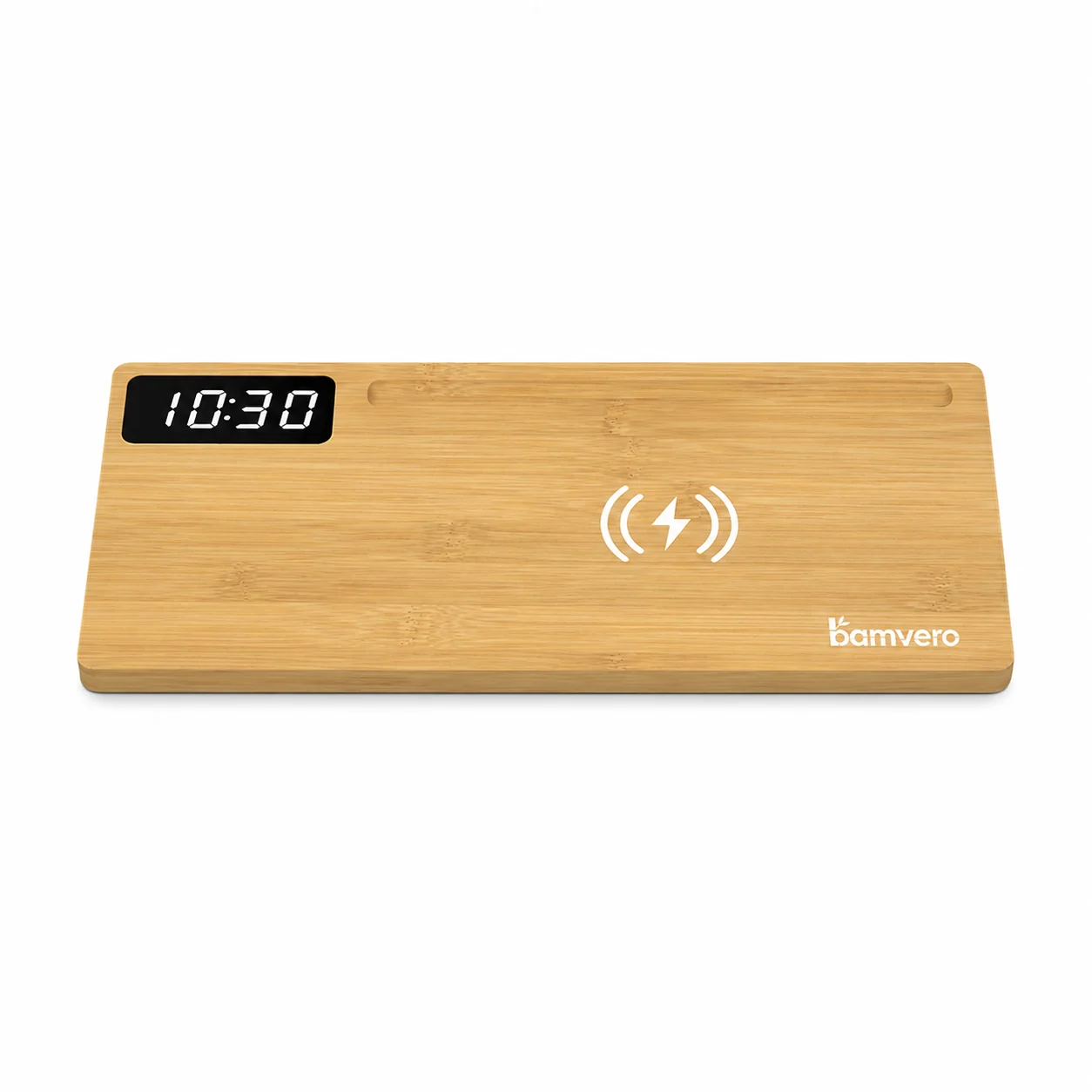
Use the W119 bamboo wireless charging desk organizer as the exact pilot model. Its flat bamboo tray, large phone area, smaller storage compartments and confirmed 15W wireless charging function create a different workspace role from an upright pen-holder clock.
Confirm the W119 Tray and Charging Zone
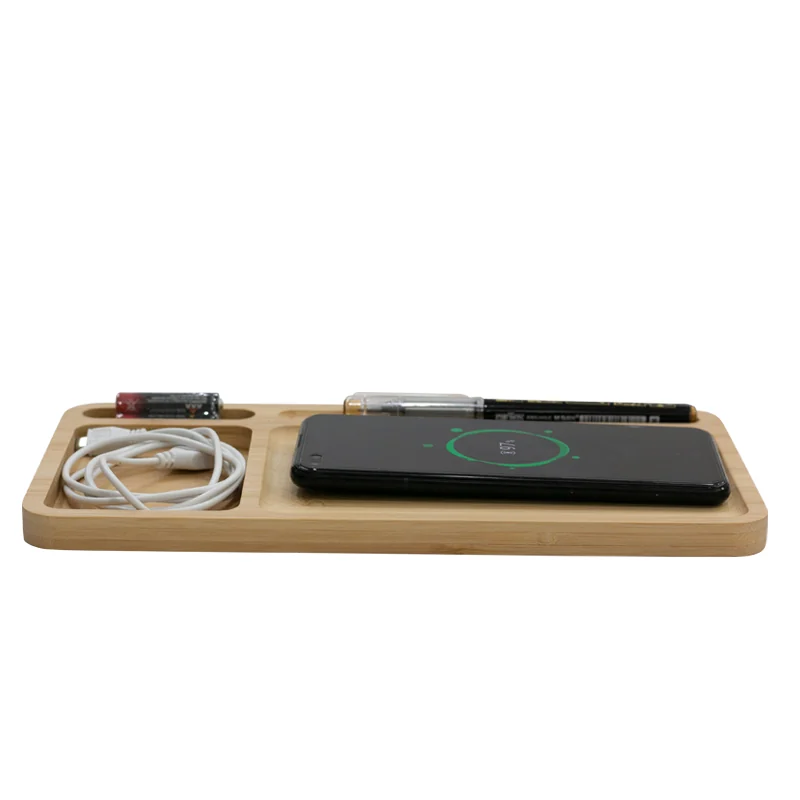
Review the real tray from above and at desk height so the charging area and compartments remain easy to understand. Check the bamboo edges, flatness and visible surface before adding workplace props or branding.
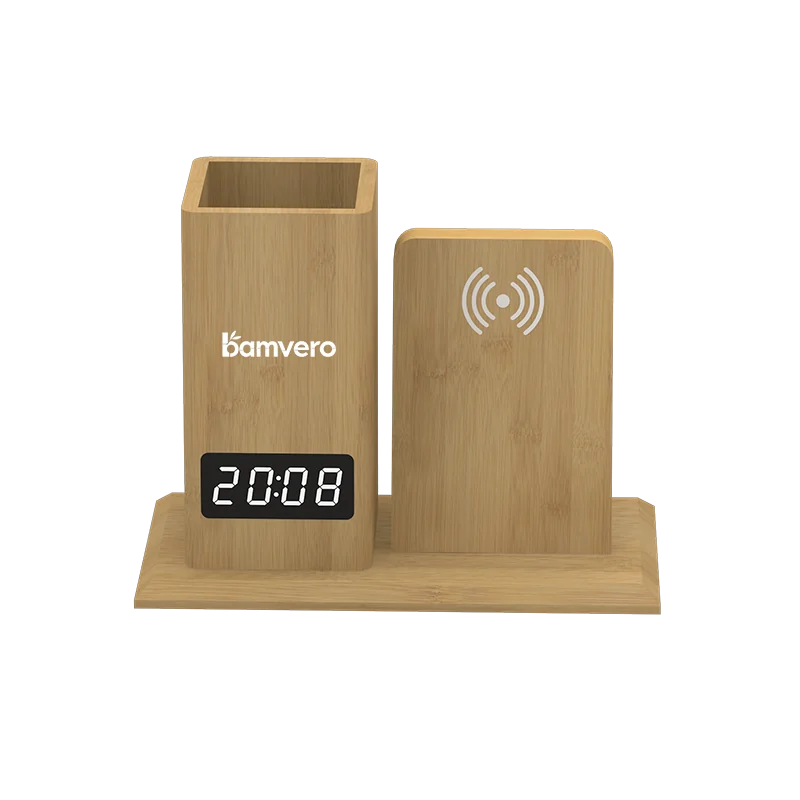
Keep the product image and pilot instructions tied to W119. The W110A charging clock desk organizer has a different form and should be evaluated separately when a workplace also needs a time display.
Test Phone Placement With Real User Cases
Ask pilot users to place representative compatible phones on the charging area with the cases they normally use. Record the device, case, starting state, power setup and whether users can find a stable charging position without repeated adjustment.
Do not promise universal device or case compatibility from one test. The broader wireless charging sourcing checklist can help define the test, but the result should remain tied to the exact W119 sample and workplace setup.
Decide What Belongs in Each Compartment
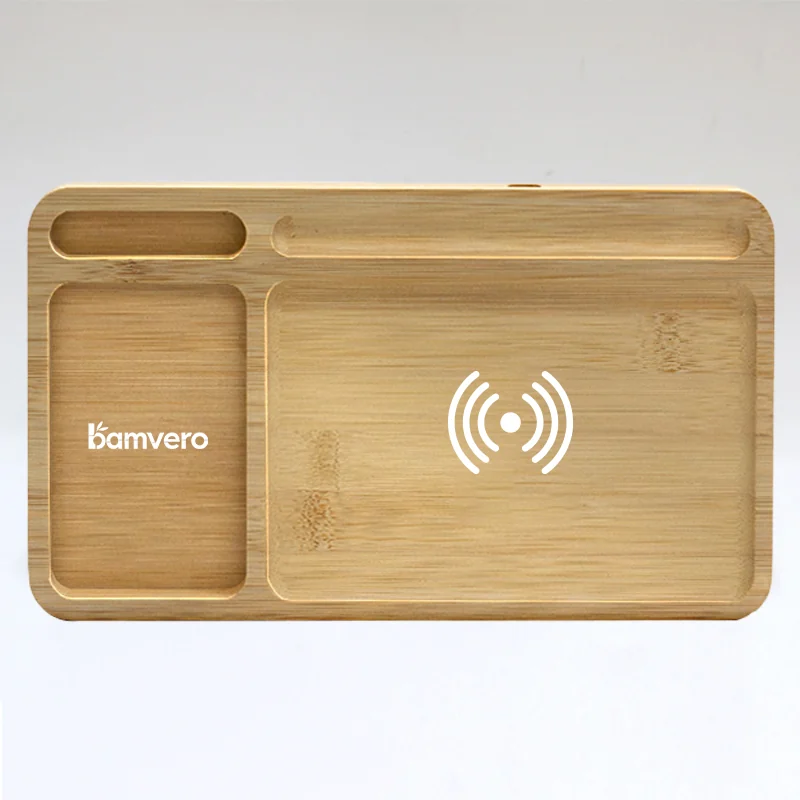
The tray can separate a phone, cable and small desk items, but every workplace should define its own standard contents. Too many shared accessories create clutter and make it difficult to see what is missing after each booking.
Photograph the approved reset state and keep personal objects out of the standard kit. If pens, charging cables or printed instructions are supplied by the workplace, list them separately from the product so users know what is included.
Plan Power and Cable Access at Shared Desks
Check the position of the nearest outlet, the path of the supplied power connection and how the cable reaches the tray without crossing the user's working area. Test the exact desk thickness, cable management and laptop position before ordering for multiple sites.
The charging function depends on the approved product and power setup. Record the supplied accessories and installation note in the pilot sheet instead of hiding unresolved power access behind a styled scene.
Keep Cleaning and Reset Simple
Shared equipment needs a clear handover routine. Ask facilities staff to remove the phone and accessories, wipe the visible bamboo surface according to the approved care instructions and return the tray to its documented position.
Do not invent chemical resistance or waterproof claims. Confirm the permitted cleaning method with the supplier, test it on the approved finish and place the final instruction where the workplace team can use it.
Separate Branding From Wayfinding
A logo can identify the workplace or program, while a small instruction card can show where to place the phone. Approve those two jobs separately so branding does not obscure the charging zone or make the tray difficult to reset.
Compare an upright option such as the W125 charging pen-holder clock only if the workspace needs stationery storage and a clock. The W119 should remain a flat organizer-and-charging solution in its own imagery and instructions.
Pilot One Workplace Before Rollout
Start with a small group of shared desks and record charging attempts, user questions, cable movement, cleaning time and missing accessories. Keep the location, dates, device cases and sample revision with the feedback.
Use the wider bamboo desk accessories guide to compare adjacent products, but decide the W119 rollout from the actual pilot. A measured small deployment is more useful than assuming every office uses shared desks in the same way.
Request a Shared-Workspace Shortlist
Include the W119 model, number of desks, office locations, expected user devices, normal cases, outlet arrangement, supplied accessories, logo need, cleaning process and rollout schedule in the inquiry.
Ask for one pilot set that connects the exact tray, power setup, placement guide, branding proof and workplace reset instruction. This turns a general desk organizer request into a shared-workspace program that can be checked before expansion.
Planning a W119 workplace pilot?
Share the desk count, office locations, expected devices and cases, outlet setup, supplied accessories, branding, cleaning method and rollout schedule.
Request a W119 pilot plan