
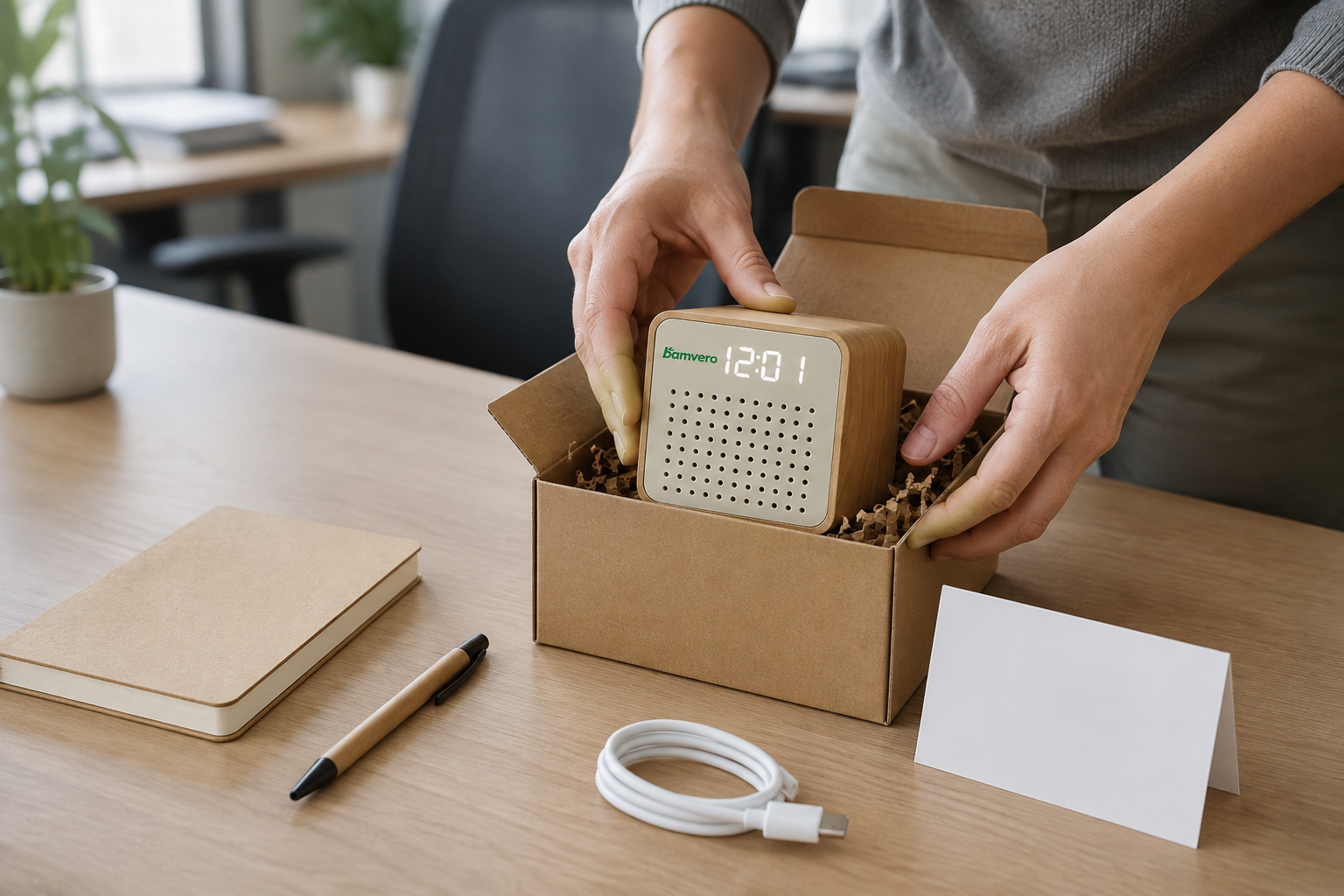
Plan the Y103 as a practical welcome-kit item by controlling the supplied configuration, branding, contents, setup card, finished pack, pilot and distribution route.
Decide What Job the Welcome Gift Should Do
A Y103 speaker clock employee welcome kit works best when the program has a clear purpose. It may be a practical desk item, a small audio gift or part of an onboarding set, but the HR and procurement teams should agree on the priority before selecting branding, contents and packaging.
Review the Y103 bamboo speaker clock as the exact product reference. The compact rounded cube, LED time display, front speaker grille and simple controls give the kit a recognizable option within the speaker clock range without requiring a hotel or retail display story.
Lock the Supplied Y103 Configuration
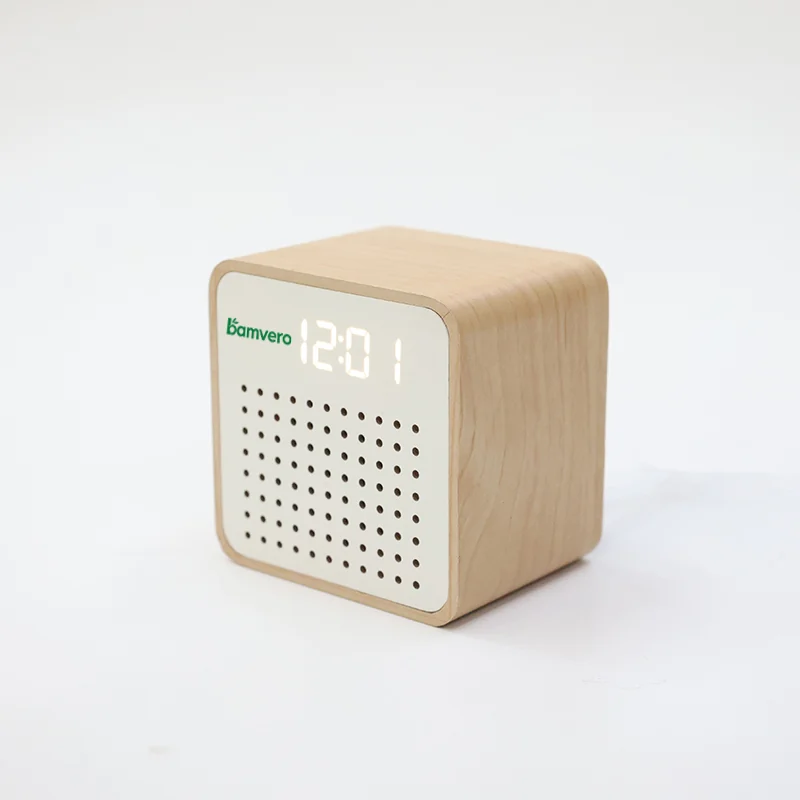
The product page confirms a USB-C / DC 5V power input, LED time display and integrated speaker design. The exact audio mode, alarm behavior, cable, power accessory and control sequence should be verified on the sample and written into the program brief.
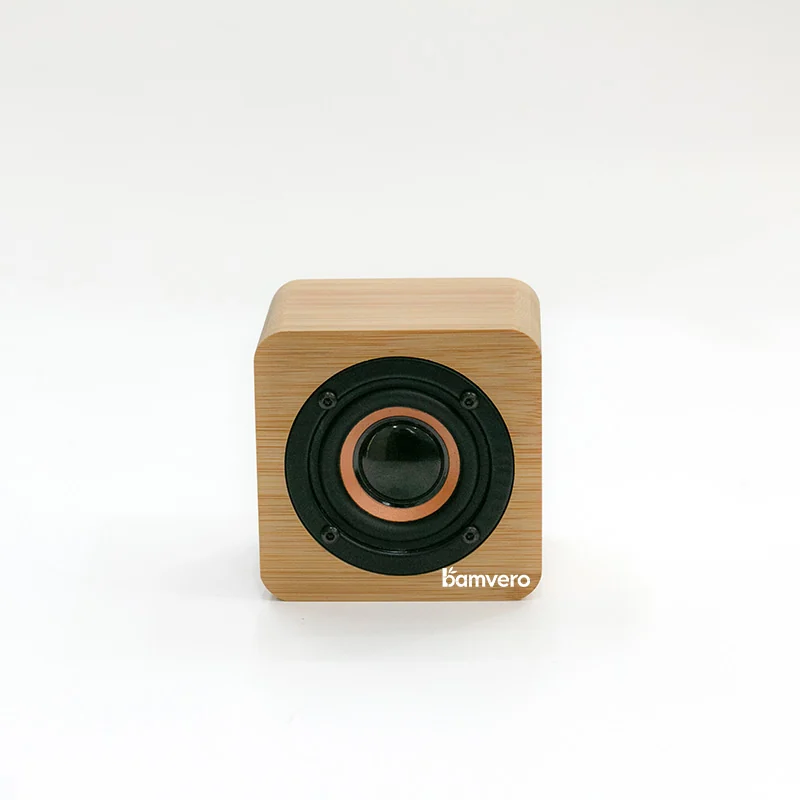
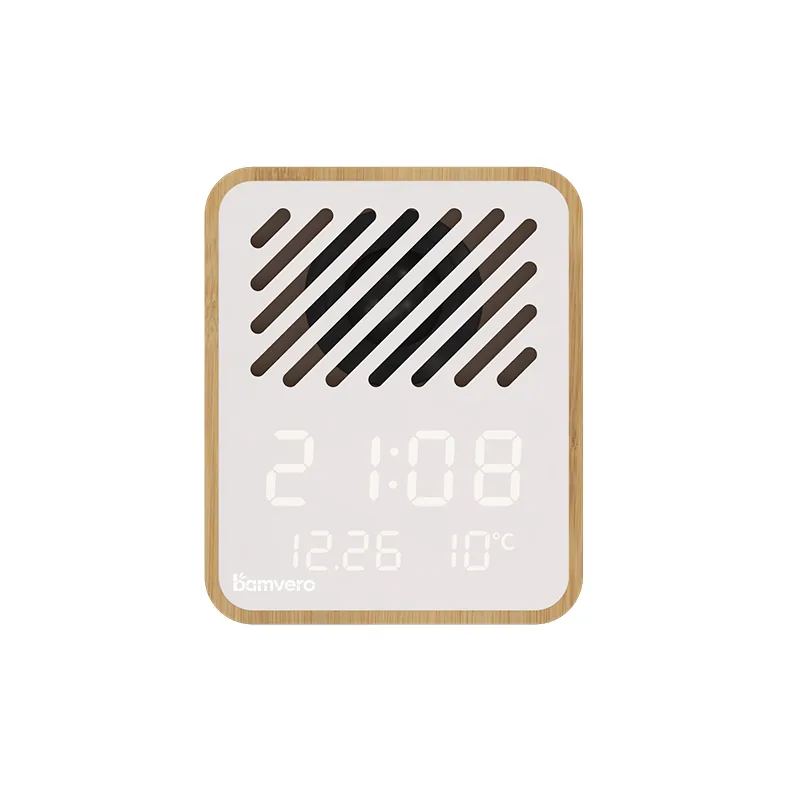
Do not combine claims from the Y103N Bluetooth speaker clock or another model. A similar cube shape does not mean the electronics, instructions or included parts are interchangeable.
Define What Goes Into the Kit
List the company-supplied items and the product-supplied items separately. If the program adds a notebook, pen, card or other onboarding material, record who sources each item, its packed position and whether it can rub against the product or cable.
Use the finished contents list for the box, packing instruction and distribution count. This prevents a photographed accessory from becoming an unintended promise and makes missing-item checks easier at multiple offices.
Keep Branding Useful and Restrained
Choose one primary logo location after reviewing a physical sample. Check visibility from a normal desk angle, distance from the LED display and speaker grille, and how the mark looks across the acceptable bamboo-look surface range.
Approve logo method, size, color and position before the full kit artwork. A blank welcome card can carry campaign copy or employee-specific information; if audio is not part of the brief, compare the simpler 1294 bamboo LED desk clock as a separate route.
Write a Short Setup Path
New employees should be able to identify the power connection, set the clock and use the confirmed audio function without reading a long technical document. Prepare a concise quick-start card in the employee's language and keep detailed support information available through a controlled link or contact.
Test the instructions with someone who did not join the sourcing project. Record where they pause or guess, then correct the wording or diagram before printing rather than expecting local office staff to explain every kit individually.
Approve the Finished Gift Pack
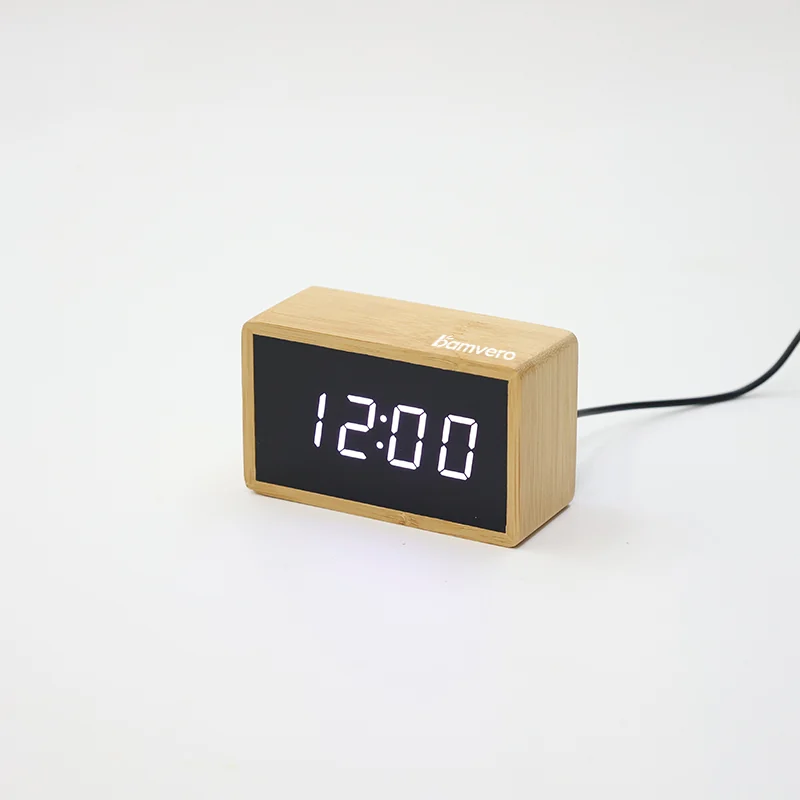
Pack the actual Y103, confirmed cable, instructions and company-supplied items in the proposed box. Check that the compact cube remains upright or protected, the front panel does not rub, and loose items cannot press against the controls or speaker grille.
The package image and included-parts list should show the real delivered set. If the program uses several regional versions, control the language, insert, plug or power accessory and carton mark as separate variations under one distribution list.
Pilot the Kit With a Small Employee Group
Run a limited pilot before distributing the kit across locations. Ask participants whether the product was easy to identify, the setup path was clear, every item arrived correctly and the branding felt appropriate for continued desk use.
Record functional issues separately from personal taste. The pilot should reveal repeated setup, packing or delivery problems that procurement can act on, not create an unsupported claim that every employee prefers the same gift.
Plan Distribution and Replacement Handling
Decide whether kits ship to homes, offices or regional HR teams. Each route changes address handling, outer-carton protection, recipient labeling, delivery timing and the person responsible for confirming arrival.
Keep a small, defined process for missing parts, visible shipping damage and confirmed product faults. The response should identify the Y103 version and kit batch so replacements do not introduce a different cable, manual or logo treatment.
Send a Complete Welcome-Kit Brief
For a useful proposal, send these details through the Bamvero Living inquiry page: Y103 model, employee count, countries, delivery route, required date, logo file, packaging direction, insert languages, kit contents and the product functions that must be confirmed during the sample stage.
Ask for one finished kit sample before rollout. Connecting the real product, branding, instructions, accessories and distribution pack gives HR and procurement a clearer approval point than reviewing the clock and gift box as separate projects.
Planning a Y103 welcome-kit rollout?
Share the employee count, countries, delivery route, date, logo, insert languages, kit contents and product functions to verify.
Request a Y103 kit plan